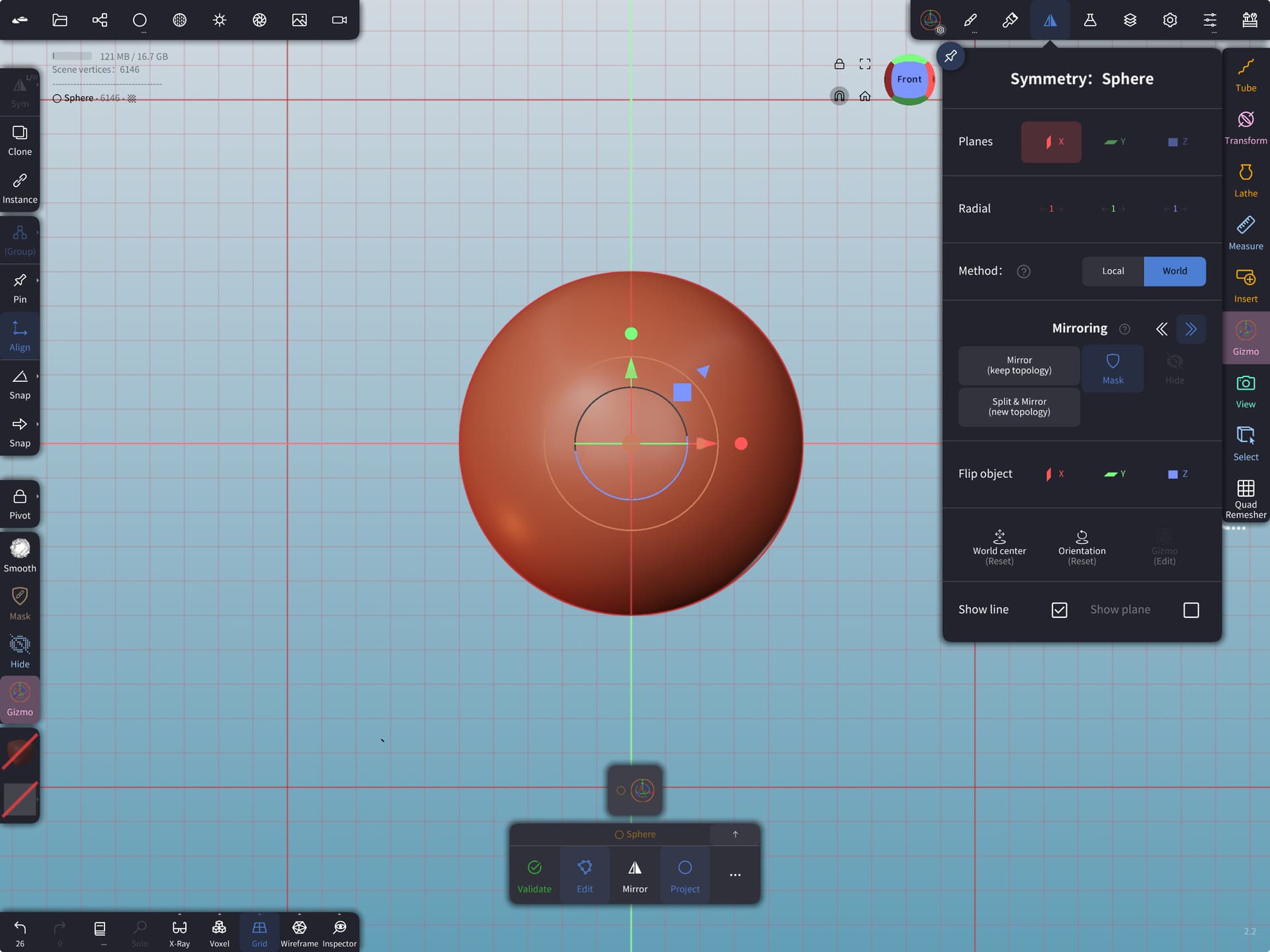
Apologies for what is probably an obvious question, I’m not sure why this is happening, I used nomad quite a bit a while ago but recently I’ve gone back to it & I just can’t seem to make sense of the mirror feature & I don’t remember ever having this trouble before.
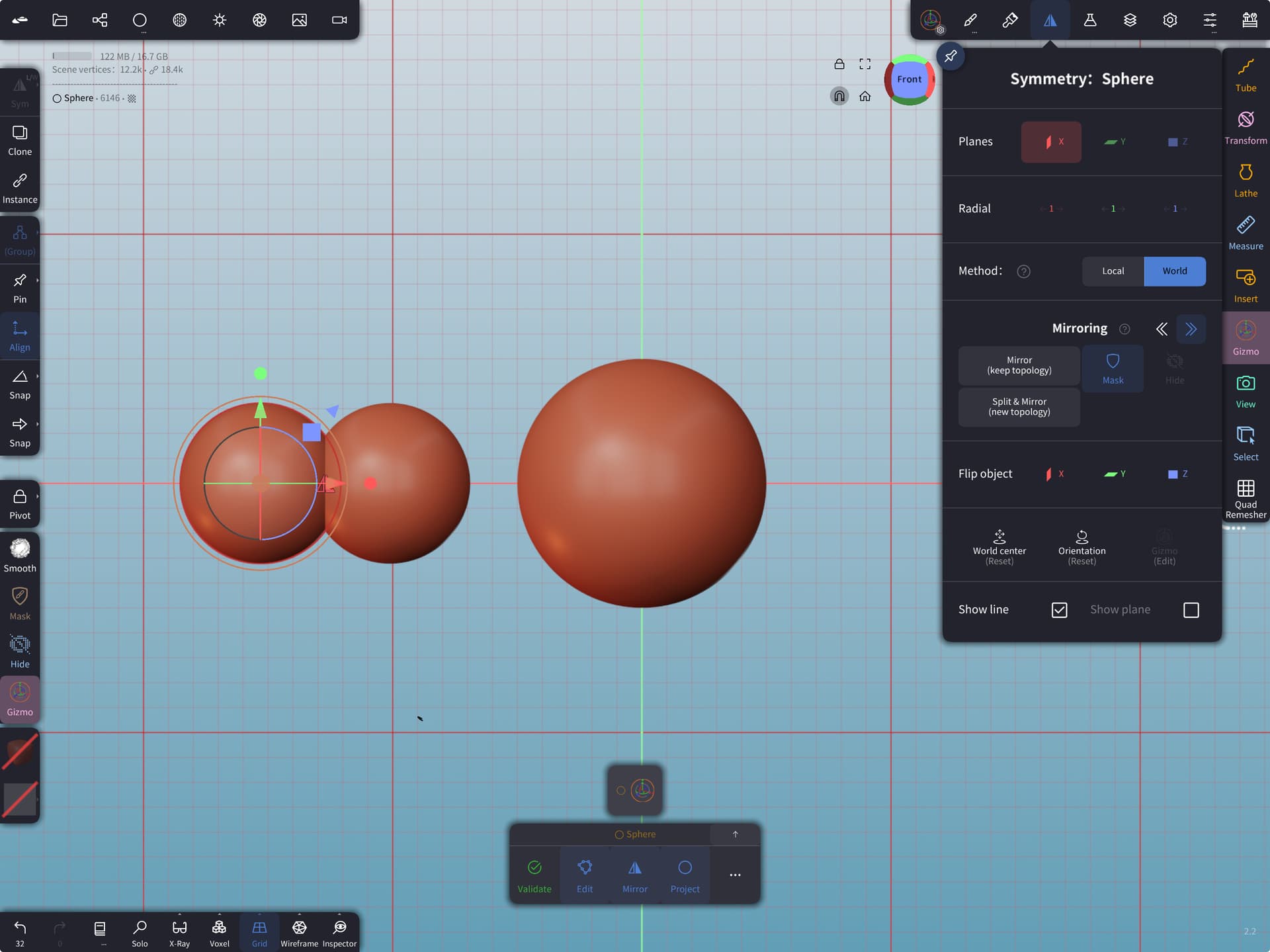
If I’m adding objects that I want mirrored, say eyes, ears etc & I position one on one side before mirroring, then the mirrored object always appears mirrored to the gizmo of the original not to the world centre. I’ve checked & my mirroring is set to world not local, so I just can’t understand what’s going on.
I can get around it by mirroring as soon as I place an object, before moving it into position, but that’s not the way I used to do it & I’m following tutorials where an ear for example is placed & sculpted on the left before being mirrored on the right, I’m doing exactly the same steps, but my mirror always appears linked to the ear’s gizmo.
I guess it’s not the worst thing in the world so long as I remember to mirror everything before moving anything, but it’s just weird & probably something really obvious
 a great help as always. Also, I had ‘on gizmo’ checked on the add primitives toolbox so that was wrong too. Fingers crossed that’s sorted now